

STEP 01
Desk ready
Outreach workspace configured — demo tour seeds your desk name and focus areas.
OUTREACH · CURXOR OS 1.0.5
Lead → A/B sequence → activate → simulated send without a CRM + sequencer SaaS stack. Pause-on-reply and send policy built in.
We’re not taking pre-orders yet. Join the waitlist.
Outreach desk strip
UI and routing are real · outbound sends need operator-configured bridges on eno2 (not a customer fleet).
DEMO TOUR PATH
STEP 01
Outreach workspace configured — demo tour seeds your desk name and focus areas.
STEP 02
Pipeline lead created locally — CRM stages stay on-appliance, not in a cloud CRM.
STEP 03
Multi-step sequence with A/B subject variant — personalization tokens built in.
STEP 04
Sequence armed with pause-on-reply — heartbeat sends due steps on schedule.
STEP 05
Simulated outbound when SMTP is unconfigured — counts toward Go Live demo path.
GO LIVE CHECKLIST
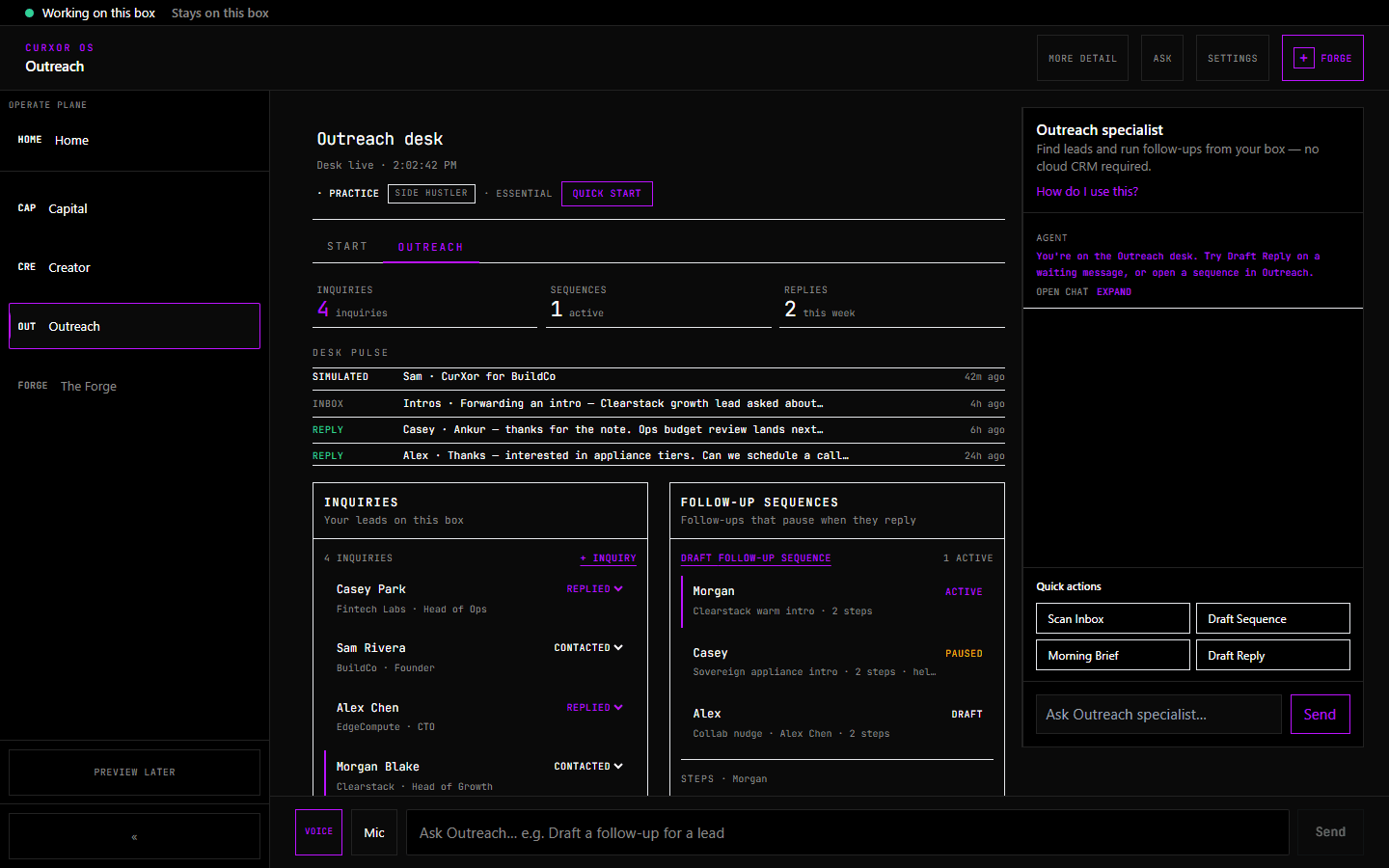
ON THE APPLIANCE TODAY
Sequences draft locally. Mail egresses only through SMTP on eno2.
FLIGHT COMMAND SCREENS
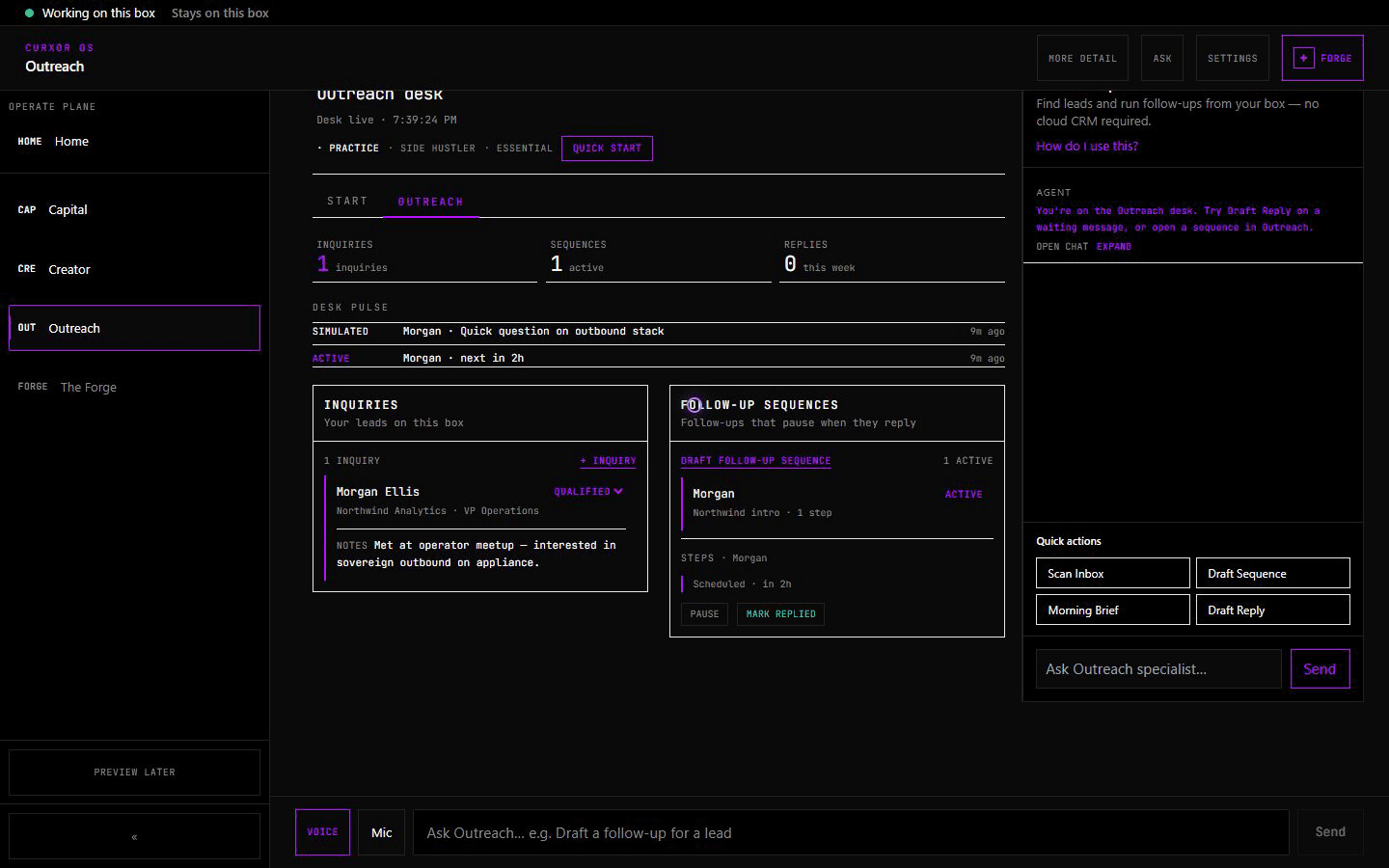
CRM stages, active sequences, and local store — demo capture from MS-S1.
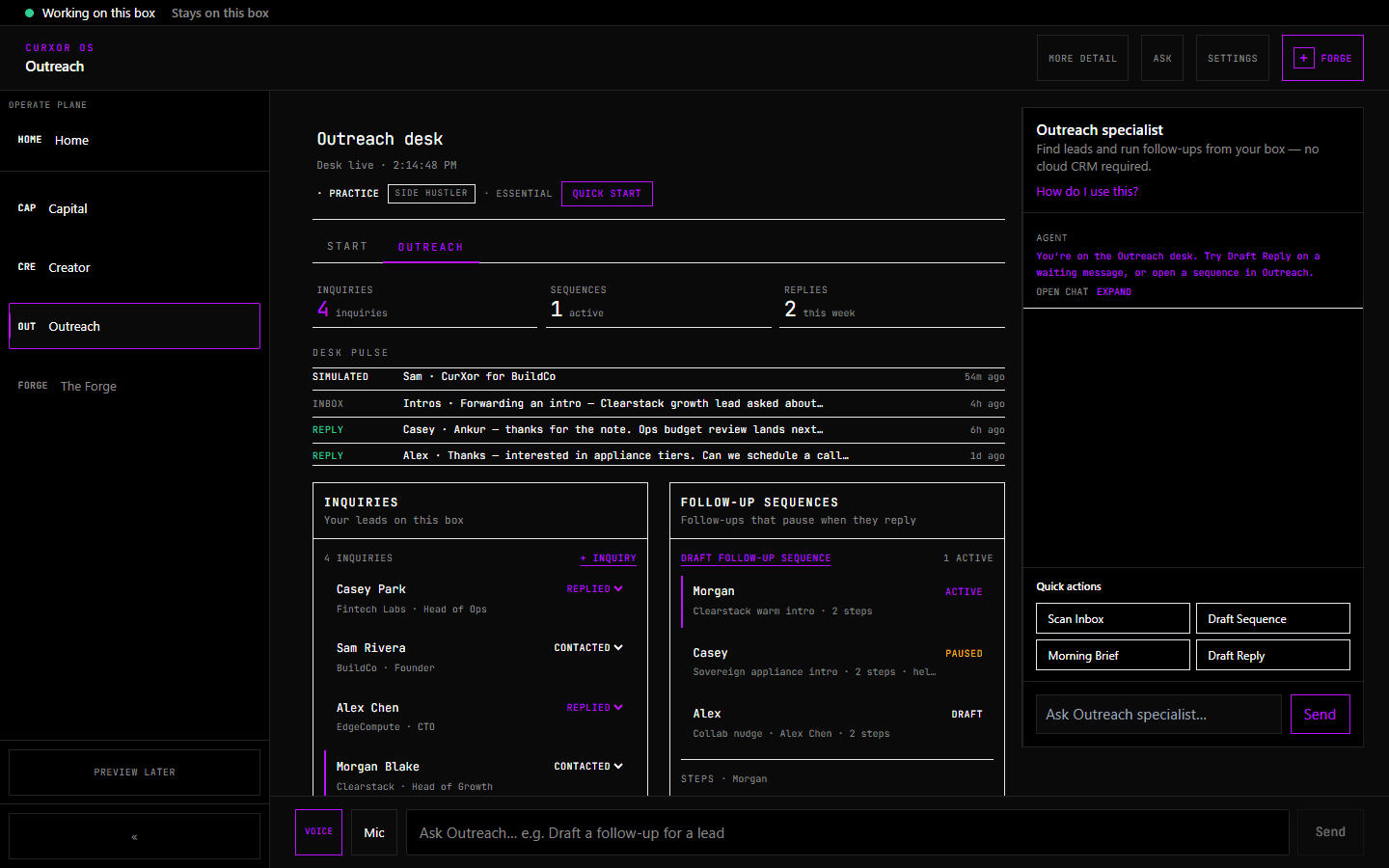
Multi-step outbound with delay days, A/B subjects, and pause-on-reply.
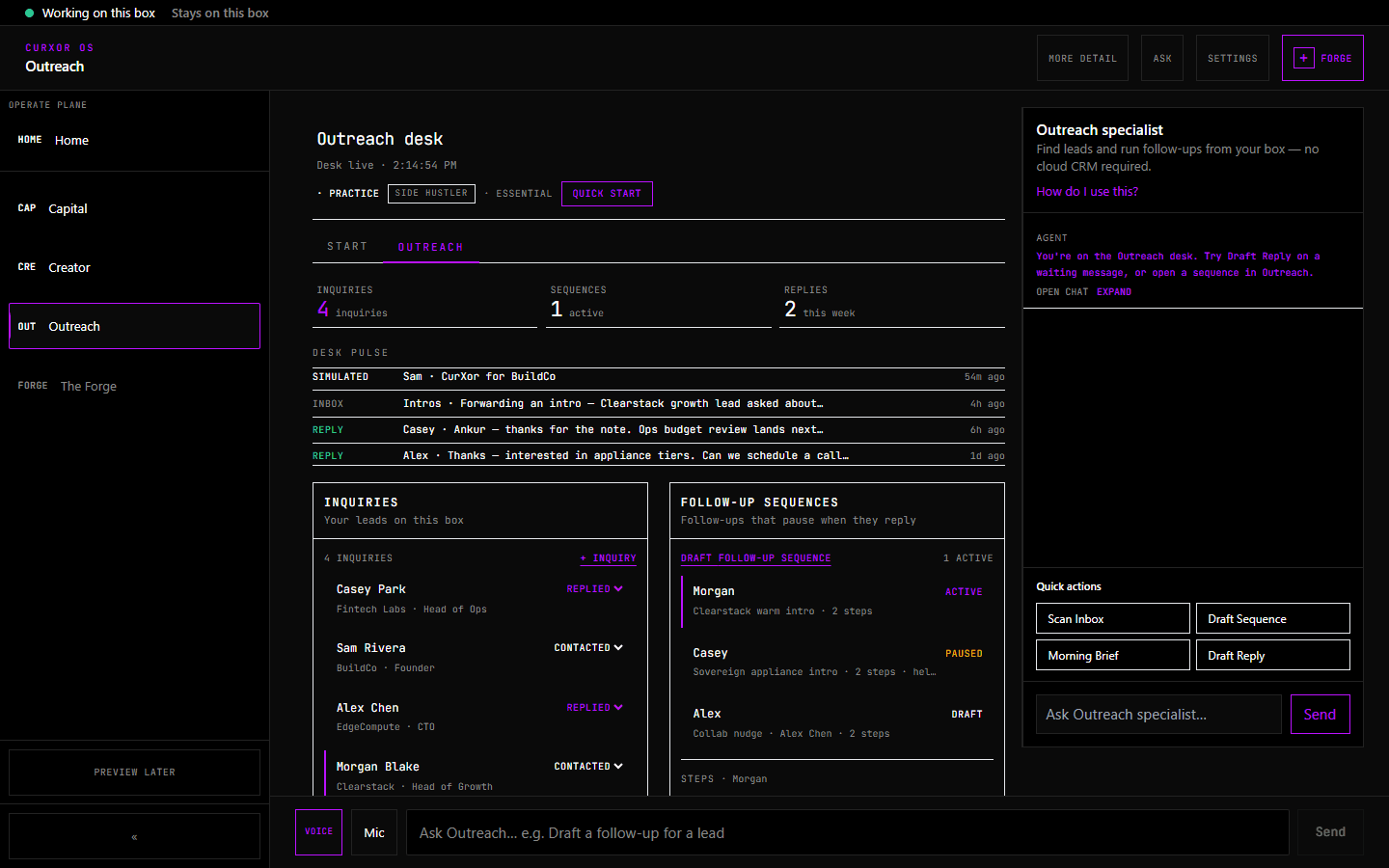
Open/reply rates, send limits, and reply intent breakdown on Standard+.
BEGINNER · STANDARD · EXPERT
Demo tour first — simulated sends without SMTP. Unlock sequences, analytics, and reply intent as you graduate.