
STEP 01
Desk ready
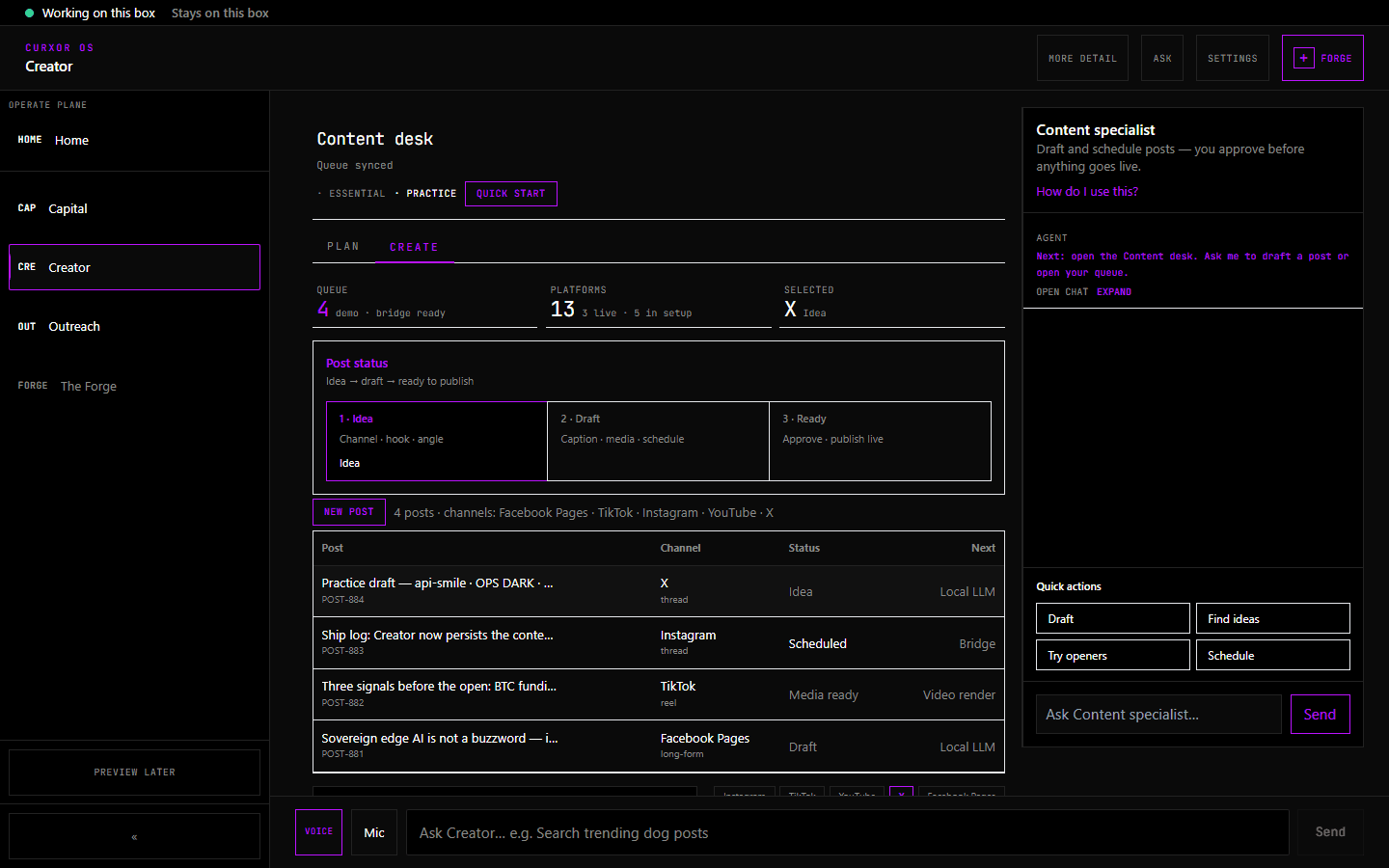
Channels configured on the Creator desk — demo tour picks your first platform automatically.
CREATOR · CURXOR OS 1.0.5
One click runs draft → pre-flight → best-time schedule → simulated publish. Up to 10 publish bridges on eno2 when you connect OAuth — priority bridges proven on the appliance.
We’re not taking pre-orders yet. Join the waitlist.
Creator desk strip
Local inference drafts · operator approval before anything posts on egress.
DEMO TOUR PATH
STEP 01
Channels configured on the Creator desk — demo tour picks your first platform automatically.
STEP 02
Demo post created and staged locally — sovereign copy, no cloud draft storage.
STEP 03
Char limits, brand kit, bridge readiness, and media URL checks before schedule.
STEP 04
Best-time slot from your own metrics — queued on-appliance, not a SaaS calendar.
STEP 05
Simulated publish when bridges are unconfigured — counts toward Go Live day one.
GO LIVE CHECKLIST
PUBLISH BRIDGES ON ENO2
Drafts stay local. Posts egress only through bridges on eno2.
FLIGHT COMMAND SCREENS
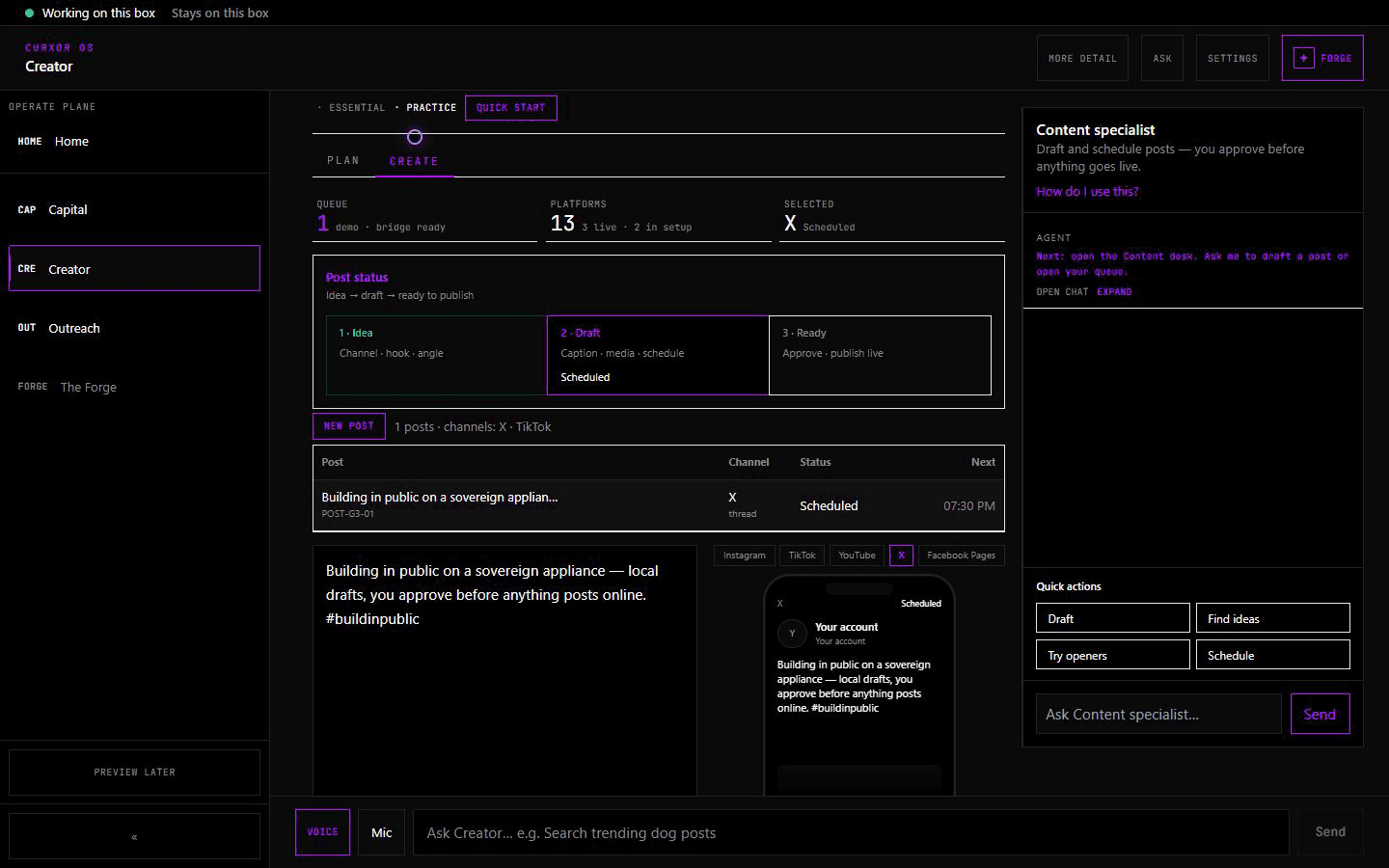
Local inference drafts → operator approval before anything posts on egress.
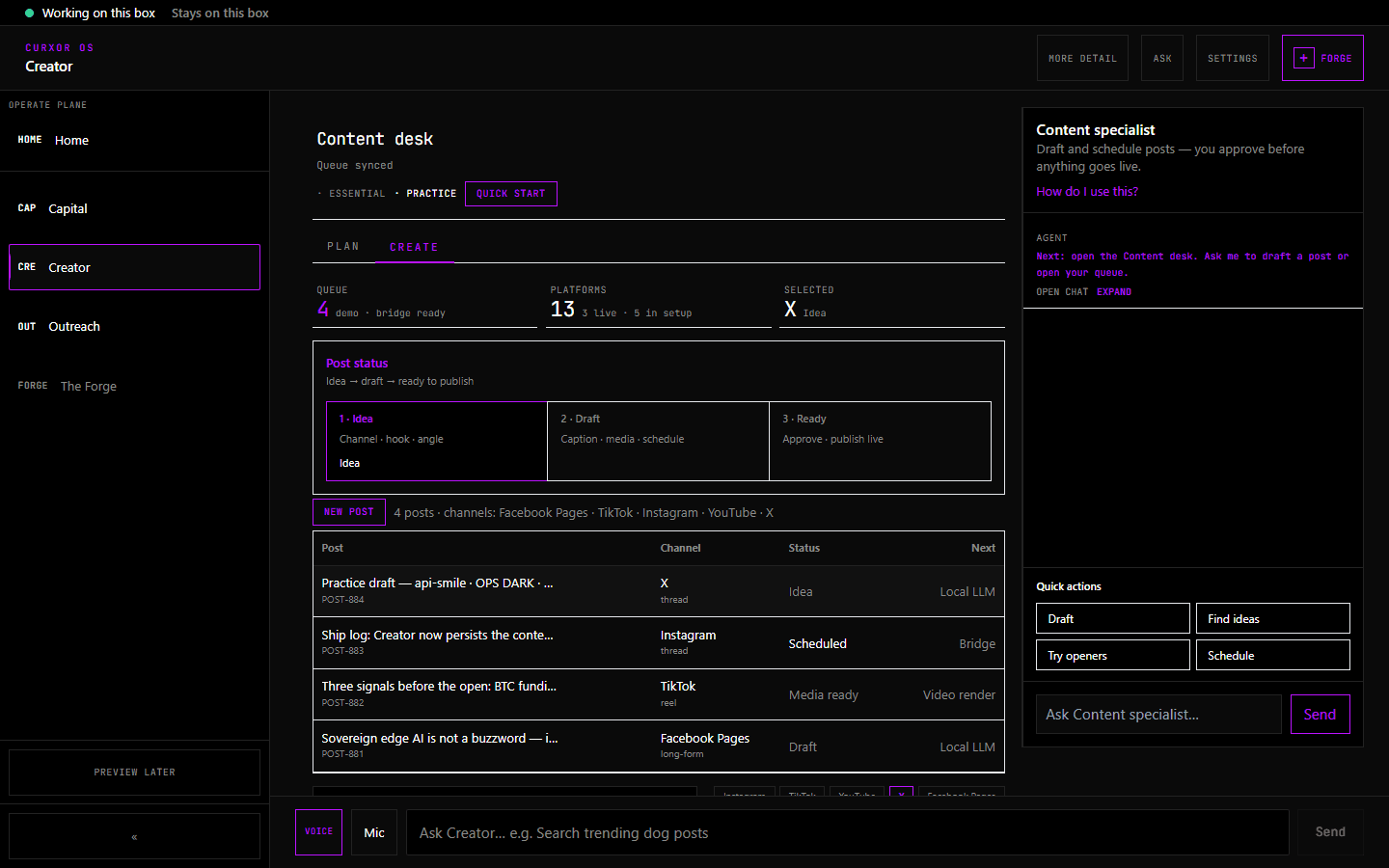
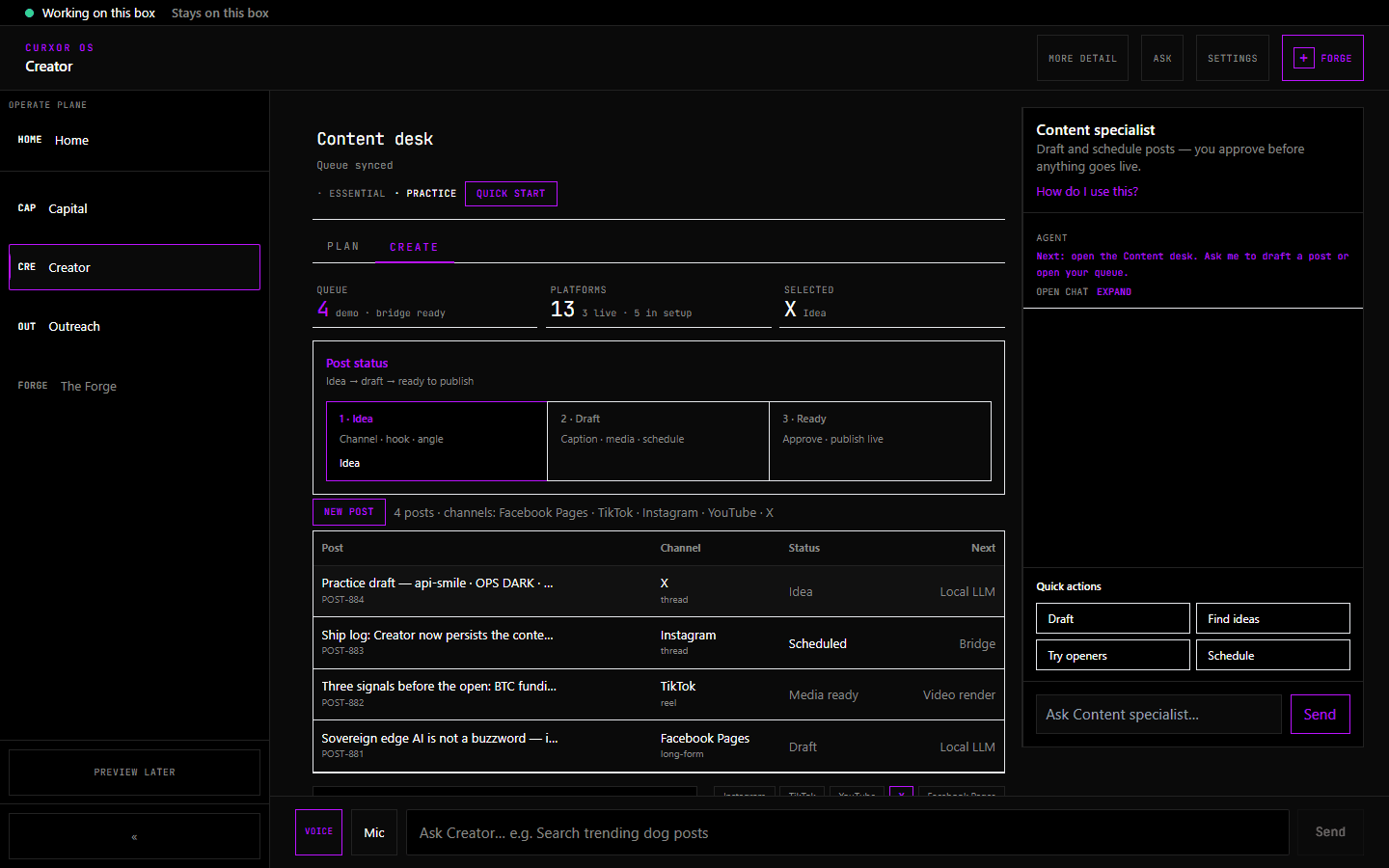
Queue, slots, and platform mix — plan a week without leaving the desk.
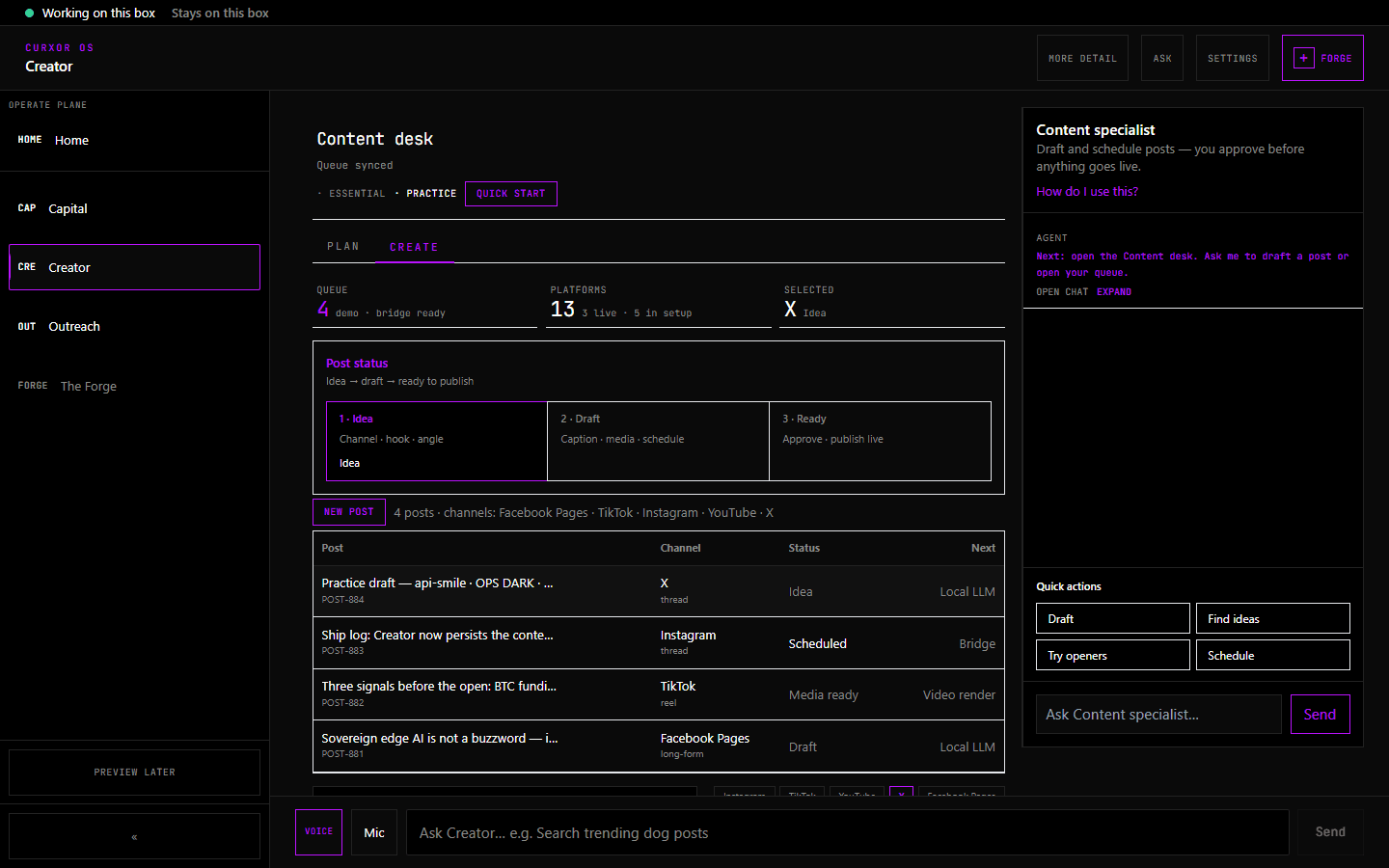
Scheduling with learned best times from your own metrics.
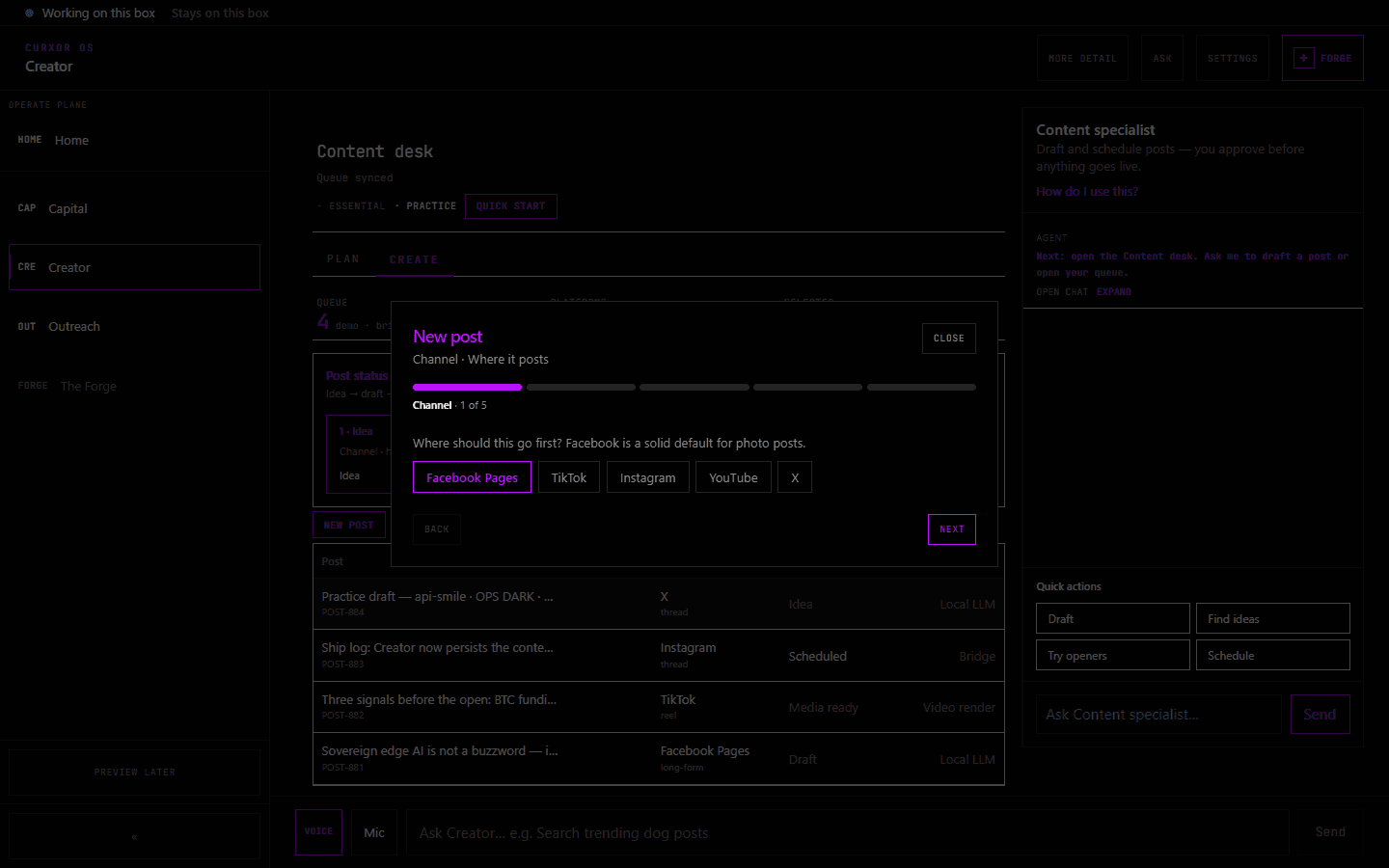
5 steps — channel, draft, media, pre-flight, best-time schedule.
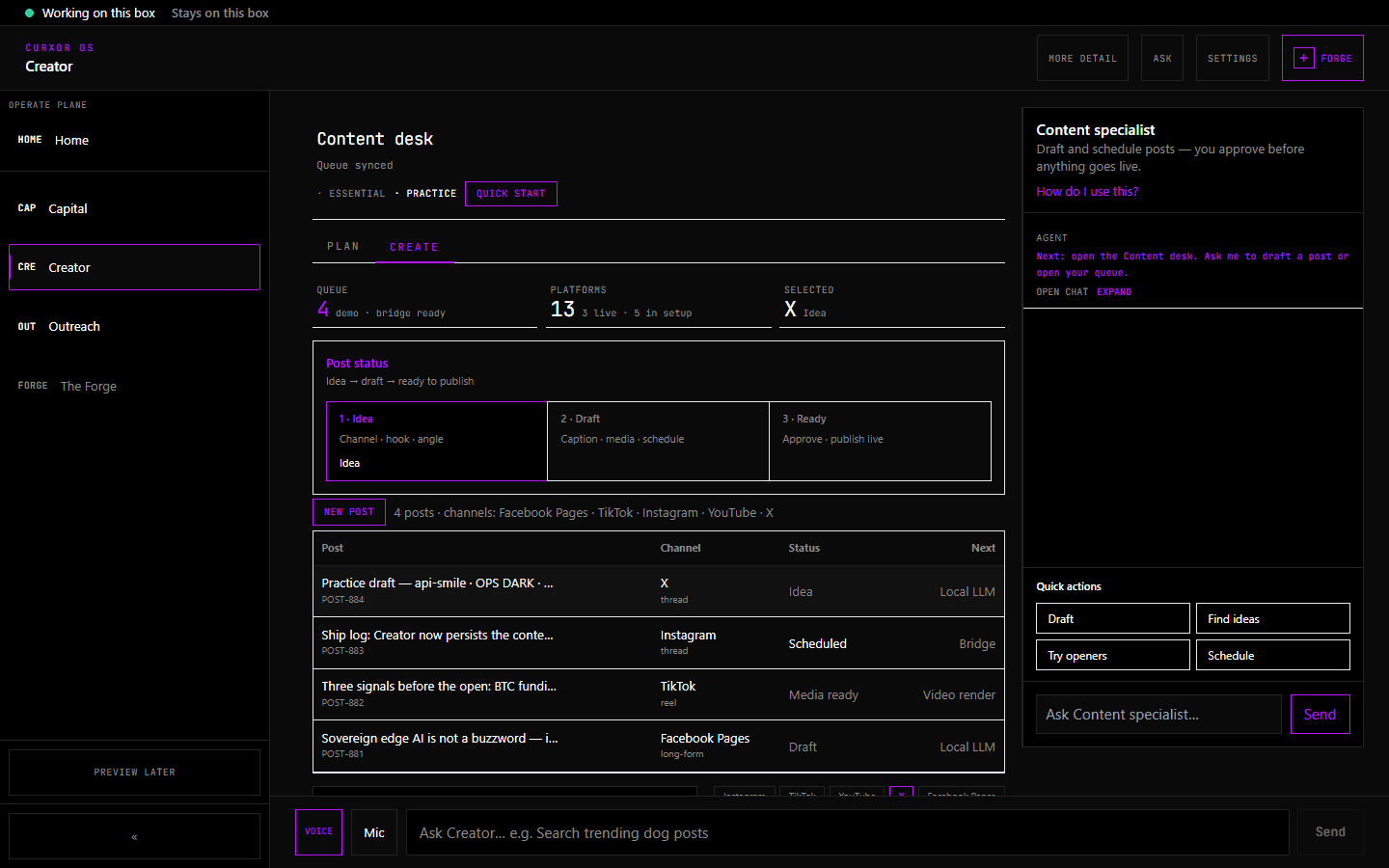
Per-platform OAuth status, token hints, and fix suggestions.
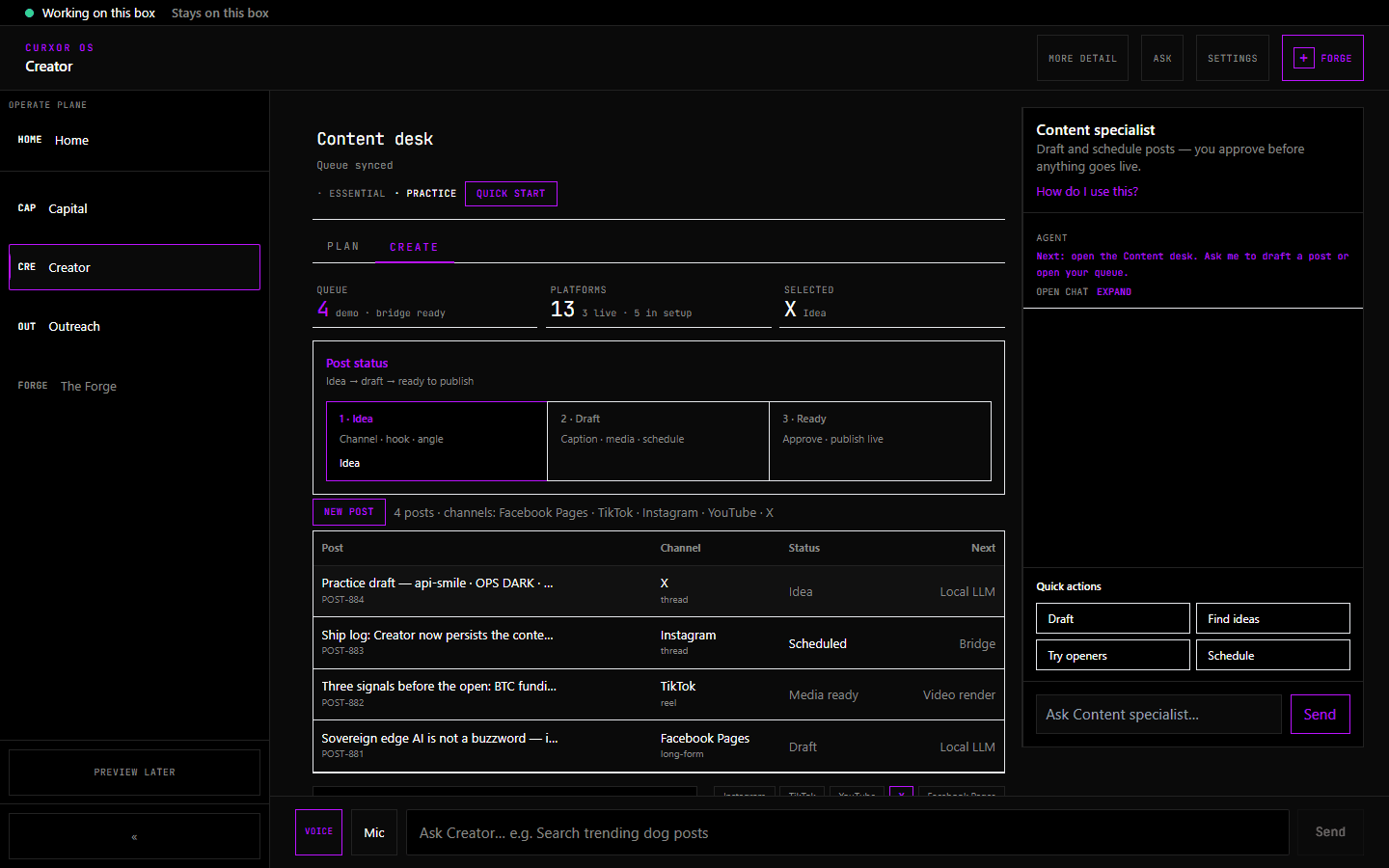
Comment → draft reply → publish loop on eno2.
Funnel metrics and recommendation-driven next actions.
BEGINNER · STANDARD · EXPERT
Demo tour first — one session to a scheduled post. Unlock calendar, engage inbox, and campaigns as you graduate.