

PILLAR 01
Compute
ROCm Docker inference — Ollama and vLLM on localhost. Cloud URLs rejected at startup.
64GB UMA runs open-weight models sized for each tier profile — CurXor OS evolves with the frontier on metal you own.
SOVEREIGN STACK
CurXor OS is an edge appliance stack: local inference, agent engine with workspace memory and messaging gateways, ZeroMQ telemetry mesh, and Flight Command UI — outbound trades and posts isolated on eno2.
We’re not taking pre-orders yet. Join the waitlist.
PILLAR 01
ROCm Docker inference — Ollama and vLLM on localhost. Cloud URLs rejected at startup.
64GB UMA runs open-weight models sized for each tier profile — CurXor OS evolves with the frontier on metal you own.
PILLAR 02
OpenClaw agent loop — workspace memory, skills, heartbeat scheduler, and channel gateway.
Capital, Creator, Outreach, and Forge crewmates execute via dedicated bridges. Crew Cafe tracks cross-crew growth from real operator events. Dashboard chat and Telegram, Slack, WhatsApp, or iMessage share one router synced to crew context — you configure which gateways to enable.
PILLAR 03
ZeroMQ XSUB/XPUB mesh broker for vision, motor, and swarm signals.
Telemetry broker live on the local mesh — dual-port topology verified on box; published latency numbers pending
PILLAR 04
Next.js operator UI — Home hub, unified inbox, crewmate workspaces, chat, and skill buttons.
Settings controls your desk crew, intelligence, appearance, messaging gateways, and agent runtime — wearables and health apps connect via OAuth you authorize, not a fixed vendor list.
User LAN (10.0.0.1). Flight Command UI, captive portal, and local operator access. Firewalled from the public internet.
Outbound bridge lane for agent actions — Alpaca trades, X posts, CRM webhooks, browser automation. Unplug eno2 to kill every outbound crewmate instantly while local inference keeps running.
CurXor OS 1.0.5 — validated on MS-S1. Every crewmate carries an honest depth label on the storefront and in Flight Command.
Capital, Creator, Outreach — demo-ready desks with Go Live paths and eno2 bridges.
Natural-language agent factory — mint custom crewmates wired to your egress policy.
Crew Cafe — cross-crew growth home: XP, ascension, and a pixel room tied to real operator activity.
Eight honest Preview crewmates — local data and useful on-box shells; production depth ships on the appliance roadmap.
Thirteen surfaces on CurXor OS — flagship desks, The Forge, Crew Cafe, and eight honest Preview crewmates. CurXor OS 1.0.5.
Capital, Creator, Outreach, and The Forge are the buy path on $3,999 metal. Crew Cafe is the growth home. Eight Preview crewmates stay labeled honestly — useful on-box shells; production depth ships on the appliance roadmap.
/forge
Mint custom crewmates on bare metal.
/my-capital
Rules + portfolio alpha on your metal.
/my-content
Publish and engage across channels.
Outreach desk
Outbound sequences and CRM desk.
/crew-cafe
XP room and ascension mirror.
/my-shop
Multi-channel margin preview.
/my-vital
Longevity Lab + bridge preview.
/my-game
Play · Stream · Make + Steam receipt.
/my-learn
Kin-linked tutor preview.
/my-estate
Paperwork vault — Legal lane first.
/robotaxi
Dispatch grid + Robotaxi horizon.
/my-family
Who lives here + mesh identity.
/optimus
Teach the robot before it arrives.

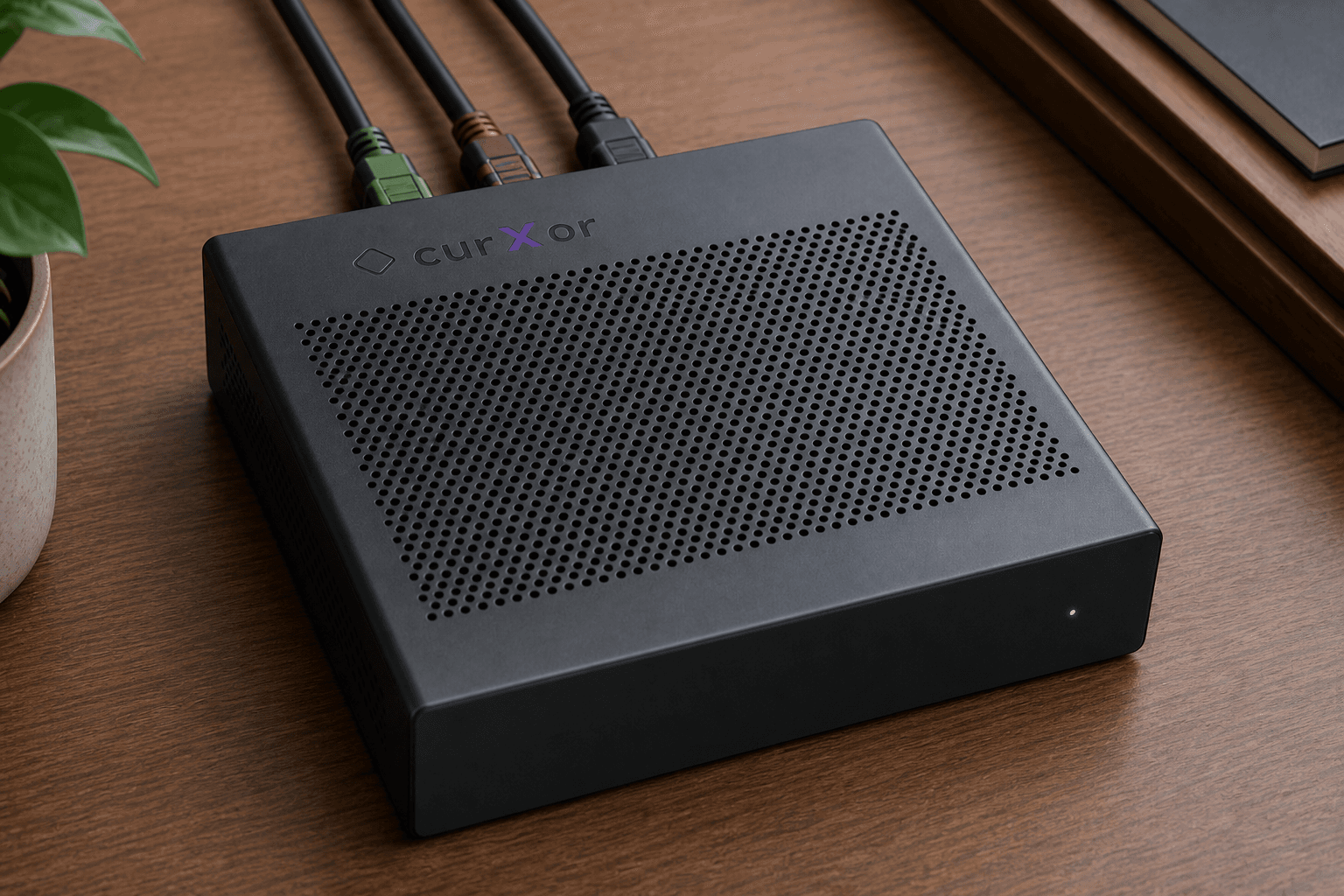
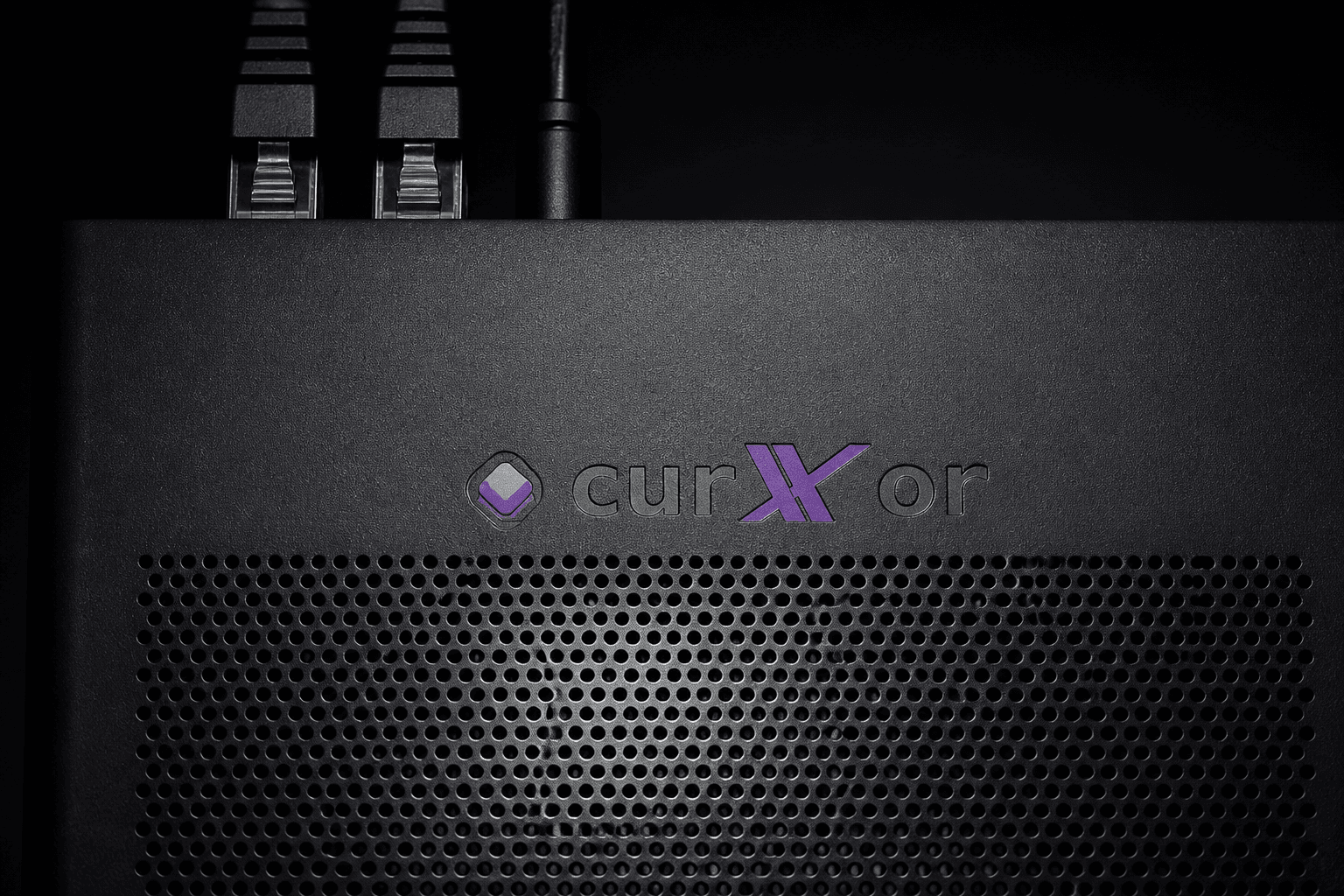
THE BOX

Name on the box — badge ships on production MS-S1 units
MS-S1 MAX unboxed Jun 28, 2026. First full run end to end on the box the next day — demo captures closed Jul 2026. CurXor OS 1.0.5, flagship desks, local inference, COMMAND captive portal, and EGRESS mesh validated on Standard 64.
DONE ON BOX
END-TO-END ON THE BOX
PRIORITY BRIDGES
NEXT UP
Unboxed 2026-06-28. First full run end to end on MS-S1 — desk captures and press assets are live on curxor.ai. Priority bridges are green on MS-S1 MAX (paper Capital). Design partners have completed remote walkthrough sessions on the appliance — feedback is private; not a customer fleet.
Open-weight tier profiles (Standard · Pro 128 · Studio) evolve with the frontier — see compare tiers. Deeper operator docs ship on the appliance.