


Concept render. Final hardware may differ.
Your AI team.On a box you own.
It chases your follow-ups, runs your investing rules and drafts your posts. Twelve desks in all, three ready first.
CurXor™ is a desk appliance with CurXor OS™. Capital, Creator and Signature run on the box, and you run them from a dashboard on your own network.
Every send, post or trade waits for your OK.
Free to join. No charge.
First 100 get first in line to order, plus a numbered Founding Edition badge. Details
Desks
Leads, sequences, and CRM
See the desk →Investing on your rules. Stocks and crypto, paper first
See the desk →Draft, create, adapt, publish
See the desk →Assign units, pick a policy, and queue the work
See the desk →Design and deploy new software helpers in natural language
See the desk →Prices, spreads, and store channels
See the desk →Vitals, labs, longevity Q&A, and health protocol
See the desk →Pick a learner and walk a lesson
See the desk →Library, sessions, and streams
See the desk →Legal, property, and tax lanes
See the desk →House rules and routines
See the desk →Profiles, scopes, and devices for everyone in your home
See the desk →What's inside
CurXor Gen1
CurXor Gen1. A desk appliance you own. The crew runs on it.
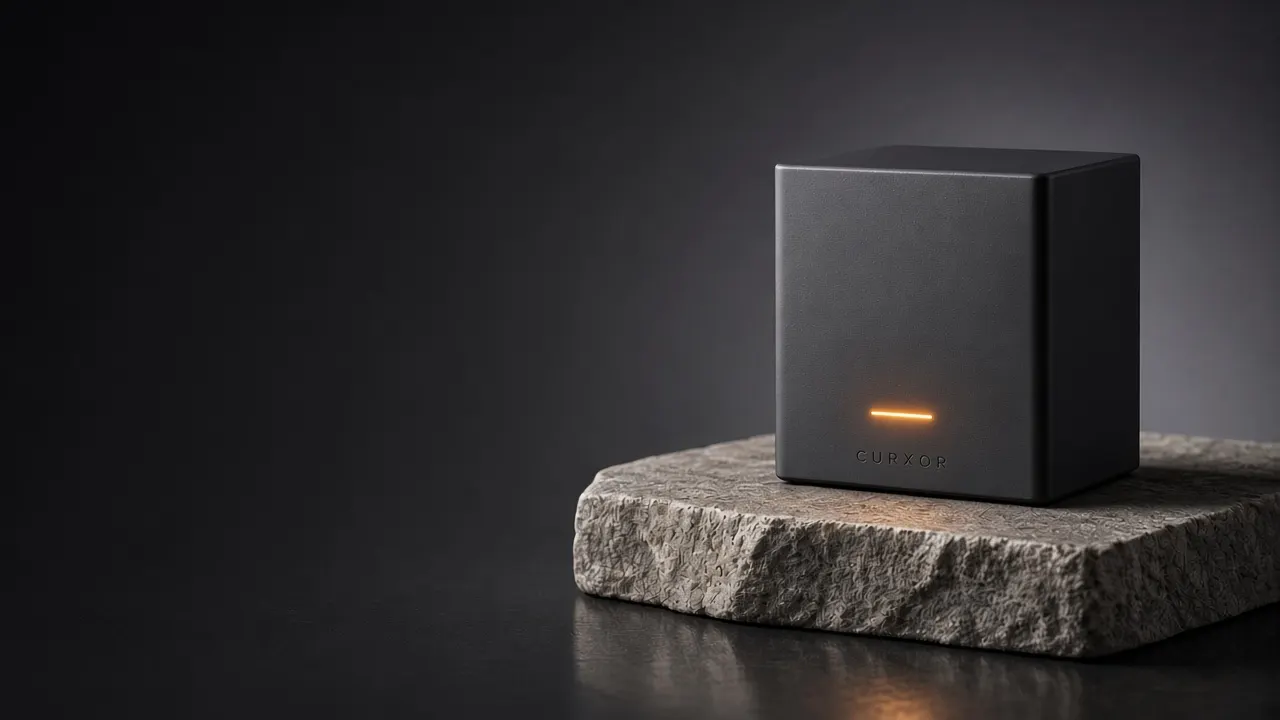
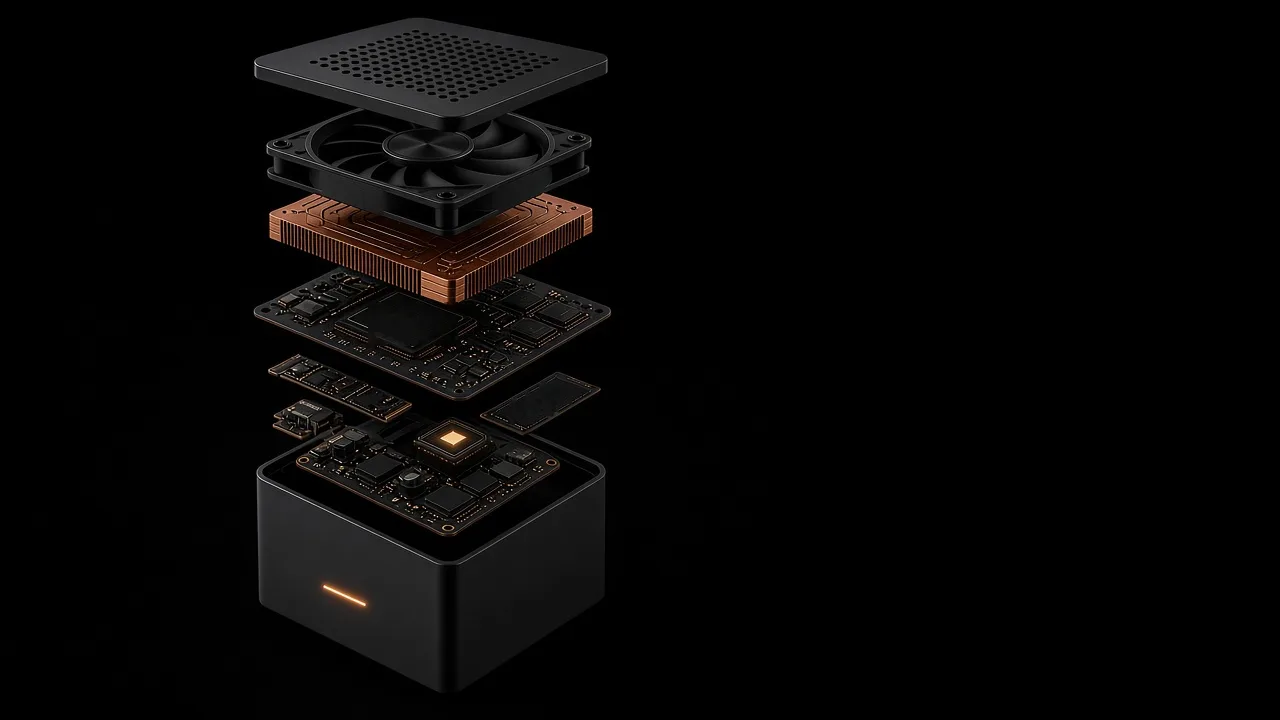
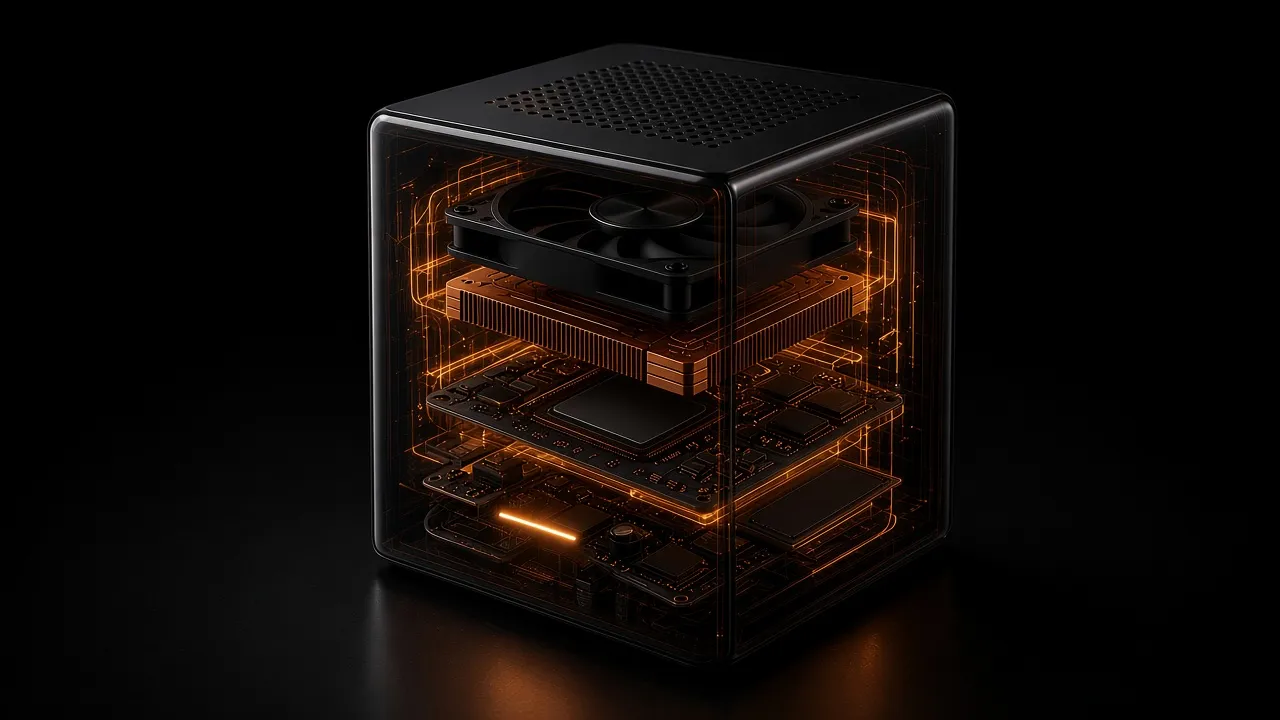
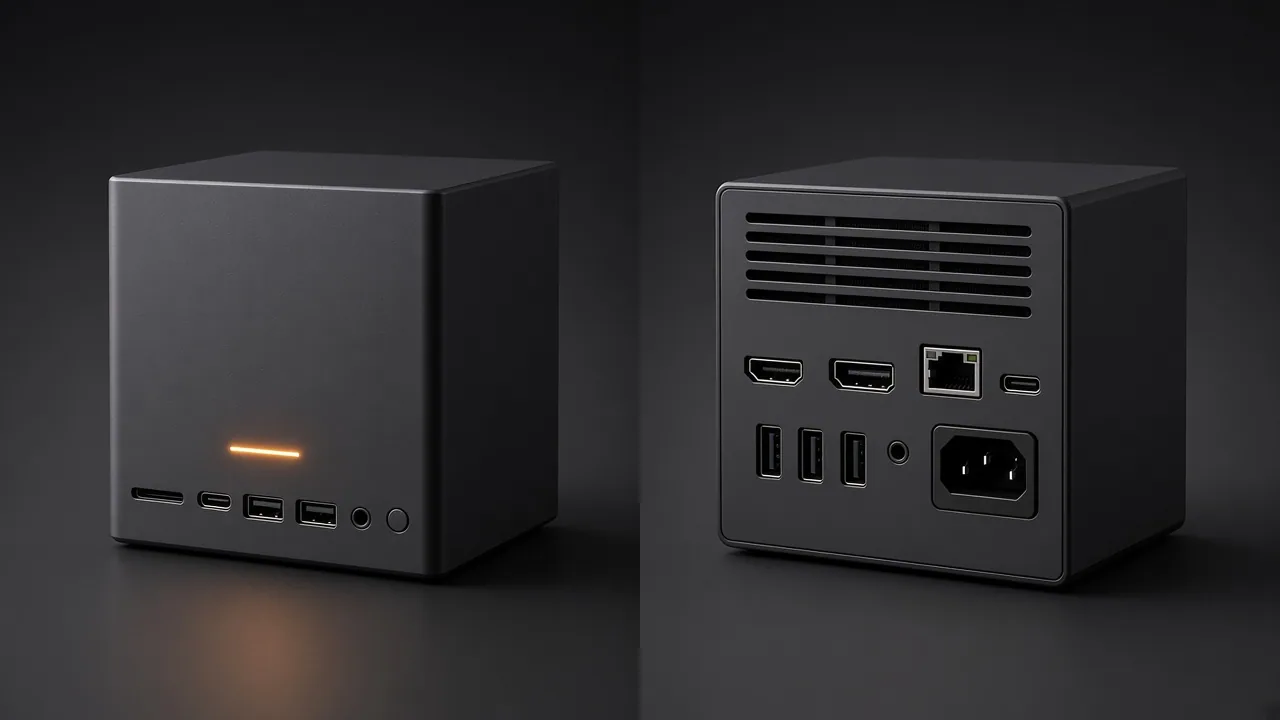
Concept render. Final hardware may differ.
GEN1 TARGET
APU · Target
Desktop-class AI APU
Memory · Target
128 GB unified memory
Storage · Target
2 TB NVMe + second slot
Network · Target
2x 10GbE + USB4
Cooling · Target
Quiet cooling under sustained load
Encryption at rest (in progress)
Gen1 targets. Final specs may change.
FAQ
Waitlist questions
What is CurXor?+
It chases your follow-ups, runs your investing rules and drafts your posts. Twelve desks in all, three ready first. CurXor, Inc. builds the box and CurXor OS. Twelve desks. Some always on, some for the work you do. The desks keep working while you're away. Enable the crewmates you want, chat in plain language, and scale 24/7 with local inference by default.
How is CurXor different from a studio desktop plus a DIY local setup?+
A studio desktop gives you a desktop you assemble. CurXor gives you inference plus a complete desk platform: pre-built desks, The Forge wizard, dual-port networking with a kill switch on the outbound cable, digital bridges for trading and social, and a Settings hub to customize everything, ready on day one. Longer take: curxor.ai/journal/appliance-not-diy.
How is CurXor different from a runtime you assemble?+
A runtime you assemble means you supply the box, install the stack, and harden security yourself. CurXor is the appliance: CurXor OS, Capital, Creator, Signature, The Forge, and a kill switch on the outbound cable on day one. Compare: curxor.ai/compare/governance-stack.
How is CurXor different from a light assistant box?+
A light assistant box is chat and messaging on light compute. CurXor is operator desk depth: local inference, flagship desks, Forge, and Crew Cafe. No subscription planned. The box runs on your own hardware. Compare: curxor.ai/compare/light-assistant.
What is included?+
The CurXor box, CurXor OS, Flight Command (Home hub, Settings, Simple/Expert modes, light/dark themes), twelve desks (enable any combination), chat workspaces with one-tap skills, optional messaging gateways (Telegram, Slack, WhatsApp, iMessage), local LLM on the box, optional frontier LLM via your own API keys, and software updates (production customer-fleet OTA pending, see Press). No CurXor subscription or per-token fees.
Do I need to code to use CurXor?+
No. Each crewmate opens a workspace with plain-language chat and skill buttons. Pick lanes in setup or Settings, describe what you want, and tap when you're ready. The Forge also uses natural language.
Are there monthly fees or API costs?+
There is no monthly appliance fee. No subscription planned. The box runs on your own hardware. Joining the waitlist is free and does not reserve a unit. All included crewmates run local models by default. If you optionally connect a cloud model provider in Settings, that provider bills your account directly.